What Is a Member Portal? Benefits, Features, and How It Works

Your members expect to handle things themselves. They want to renew, register for an event, update their details, and find what they paid for without emailing your office or waiting for a callback. When that experience is slow or scattered, engagement drops and your team spends the week answering questions a website could answer on its own. A member portal fixes that. It gives every member a secure place to log in and take care of their own account, and it gives your staff a member management platform that captures the routine work automatically.
What Is a Member Portal?
A member portal is a secure online hub where members log in to manage their account and engage with your organization. From one dashboard, a member can renew, register for events, pay invoices, download resources, update their profile, and connect with other members. Think of it as the self-service front desk for your community, open every hour of every day.
The portal sits on top of your member data. When someone updates their address or renews, the record updates in your system automatically. No one on your team has to key it in. That single connection is what turns a static website into a working portal.
How a Member Portal Works
A member portal connects a login page to your member database. The flow is simple from the member’s side and busy behind the scenes.
A member visits your site and signs in. The portal confirms who they are and what they can access. Then it shows a personalized dashboard: their membership status, upcoming events, saved resources, and any action they need to take.
Behind that dashboard, the portal reads from and writes to your central member record. When a member renews, the payment processes and the record updates in real time. When they register for an event, their seat is reserved and their receipt is on the way. The member does the work once, and your system captures it everywhere it needs to go.
Access is controlled by membership level. A lapsed member sees a renewal prompt. A premium member sees content the free tier does not. That is what separates a portal from a plain website: it knows who is logged in and adjusts to them.
Key Features of a Member Portal
Portals vary by organization, but most share the same core set of features:
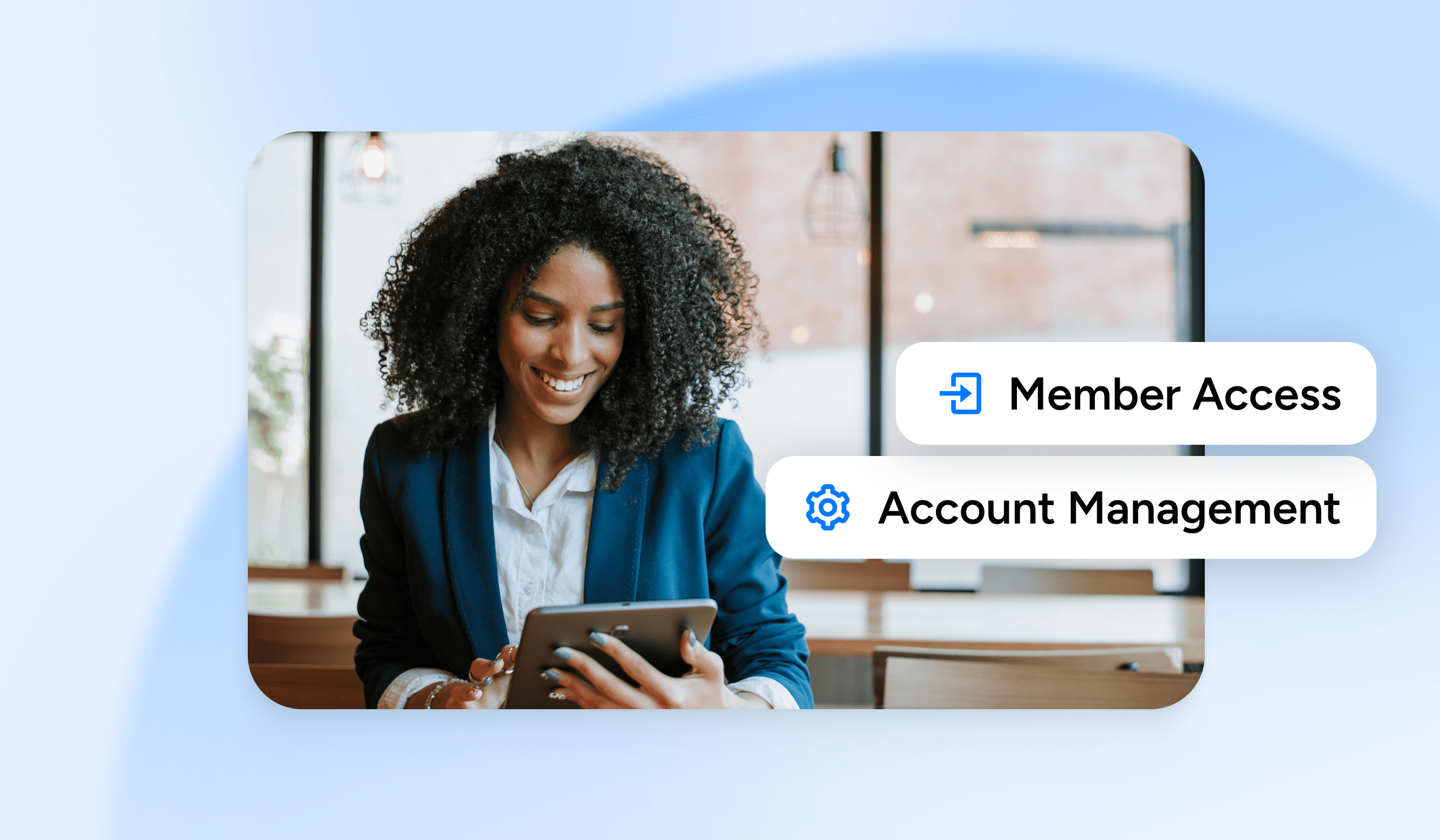
- Self-service account management. Members renew, update their profile, and check their status without contacting staff.
- Gated content access. Resources, documents, courses, and recordings are available to the members entitled to them.
- Event registration and payments. Members sign up, pay, and get reminders in one place.
- Billing and invoices. Members view their history, pay open invoices, and set up auto-renewal.
- Community and networking. Member directories, discussion forums, and interest groups keep people connected between events.
- A personalized dashboard. Each member lands on a view built around their status, activity, and next steps.
Basic vs. Full-Featured Member Portals
Not every portal does the same work. A basic portal covers the essentials. A full-featured portal adds depth that keeps members active and gives your team more to work with. Here is how the two compare:

Who Uses Member Portals?
Any organization built on a membership model can use a member portal. The label on the door changes; the need does not.
- Professional associations and nonprofits managing dues, chapters, and certifications.
- Gyms and fitness studios handling class booking, billing, and check-ins.
- Subscription businesses giving paying members access to content and perks.
- Clubs and chambers of commerce running events and member directories.
- Online communities offering forums, courses, and paid tiers.
- Alumni and affinity groups keeping members connected long after they join.
If people pay to belong to your organization, they expect a place to log in and manage that relationship. A member portal is that place.
Benefits of a Member Portal for Your Organization
A member portal pays off on both sides of the desk. Members get a faster, self-directed experience, and your team gets time back.
The first benefit is less admin. Every renewal a member completes on their own is one your staff does not process by hand. The same is true for profile updates, invoice payments, and event registration, which the portal can handle end to end. Small teams feel this most, because the hours add up fast.
The second benefit is retention. When members can find their benefits, use them, and connect with each other, they stay. A portal makes the value of membership visible instead of leaving it buried in an inbox.
The third benefit is better data. Because members update their own records, your information stays current without a cleanup project every quarter. Accurate data means better outreach, better reporting, and fewer surprises at renewal time.
The fourth benefit is revenue. A portal makes it easy to renew, upgrade, register, and give, which removes friction from the moments that bring money in.
Member Portal vs. Membership Management System: What’s the Difference?
These two terms get used interchangeably, but they are not the same thing.
A member portal is the member-facing front end. It is what your members see and use when they log in.
A membership management system is the full back-end platform your team uses to run the organization: the member database, billing, reporting, communications, and event tools. The portal is one part of that system, specifically the part your members touch.
Put simply, the management system runs the operation, and the portal is the window members look through. A strong portal is only as good as the system behind it, because the portal can only show and update the data that system holds.
How to Choose Member Portal Software
When you evaluate member portal software, weigh a few practical factors against what your members actually need:
- Integration. The portal should connect to your member database so records update automatically, not sit in a silo you reconcile by hand.
- The right features. Match the portal to how your members behave. A community-heavy group needs forums; an event-driven group needs registration.
- Security. Members trust you with payment and personal data. Look for secure login, controlled access by membership level, and clear privacy practices.
- Mobile access. Members will use their phones. The portal should work well on a small screen.
- Your branding. The portal should look like your organization, not a generic login page.
- Support and setup. Confirm what it takes to launch and who helps when something breaks.
Start with your members’ top three tasks. If a portal handles those cleanly and connects to the system you already use, it is worth a closer look.
Frequently Asked Questions
A membership website is public-facing marketing: it tells prospective members who you are and why to join. A member portal is what those members log into afterward to manage their account, access benefits, and engage with your community. One brings people in; the other serves them once they are inside.
At a minimum: self-service account management, membership renewal, invoice payment, and access to member-only resources. Stronger portals add event registration, a member directory, discussion forums, and a personalized dashboard. Match the feature set to how your members actually spend their time with you.
Any organization with a membership model. That includes professional associations, nonprofits, gyms and fitness studios, subscription businesses, clubs, chambers of commerce, online communities, and alumni groups. If people pay to belong, a portal gives them a place to manage that membership.
It removes friction. When members can renew, register, and connect on their own, they use their benefits more and reach out to staff less. A portal also makes value visible, showing members what they have access to instead of leaving it buried in email. Members who use their benefits are the ones who renew.
The member management system is the full back-end platform your team uses to run the organization, including the member database, billing, reporting, and communications. The member portal is the front end members log into. The portal is one part of the management system, specifically the part members see and use.
Often more than large ones. A small team feels every hour spent on manual renewals and data entry. A portal lets members handle those tasks themselves, which frees a lean staff to focus on programs and growth. You do not need a big organization to benefit; you need members who would rather serve themselves.
Struggling to keep your volunteer program organized? Discover what volunteer management software can do for your organization.